Golden Lion Login – How to Access Your Account















Signing in at Golden Lion
Golden Lion operates both a casino and sportsbook, and your account lives on the operator's own platform at its domain. This page – goldenlion-online.uk – is an independent information portal with no access to player accounts, so we cannot log you in, retrieve a password or unblock an account. Everything account-related happens through the operator.
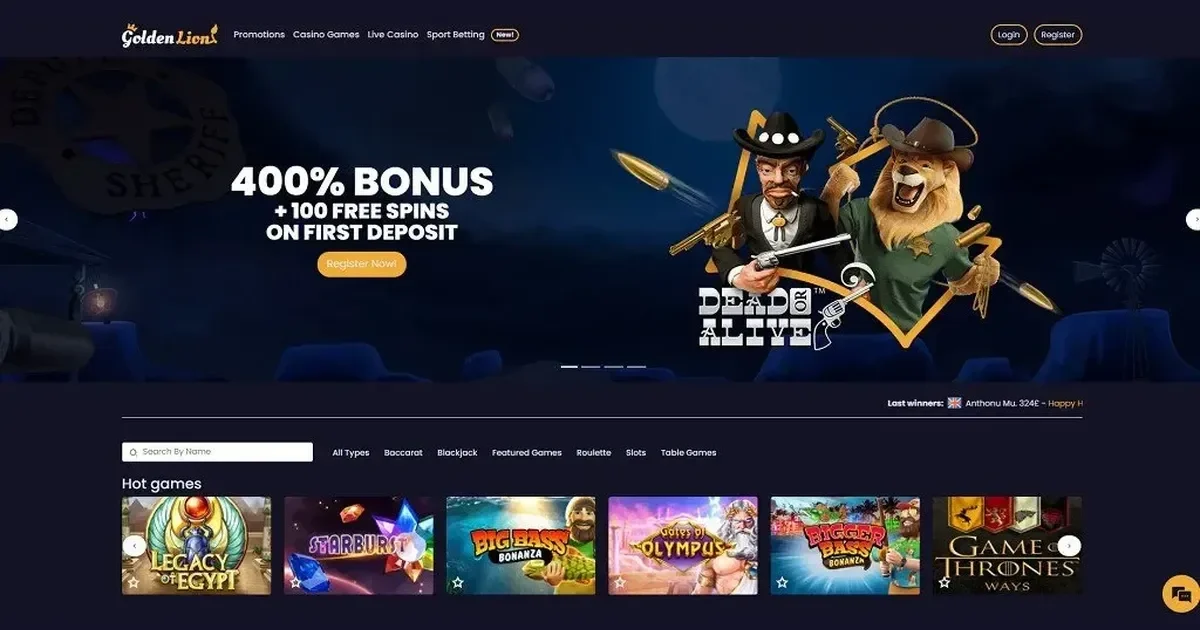
When you visit the operator's site, you'll see a sign-in option near the top of the page. Click it, enter the email address and password you chose during registration, and you're in. The process is identical whether you're on a desktop browser or a phone.
What you need to hand
Two things: the email address you registered with and the password you created. Golden Lion does not ask for a username or player ID at sign-in – the email is your identifier. Make sure caps lock is off, and that you're typing both exactly as you set them up.
If you've saved the login in your browser, it will fill those fields automatically. Worth checking the stored values once in a while, particularly if you've changed your password since.
Account restrictions and verification holds
Sometimes an account is deliberately inaccessible, and that is not a technical fault. Golden Lion requires identity verification before a first withdrawal, and occasionally for larger payments or unusual account activity. If verification documents are outstanding, you may find yourself unable to proceed until the operator's team has reviewed them. Crypto users are also subject to these checks.
The operator can request identification, recent address proof, payment ownership evidence, a selfie or phone confirmation. None of those requests reach us – they come from the operator's compliance team, and you answer them through the channels the operator provides.
Self-exclusion is another reason access is blocked, and it is the one that should never be worked around. If you set a cooling-off period of 24 hours, or a longer exclusion of one month or six months, the account stays locked for that duration. During self-exclusion you cannot log in, deposit or place bets, and promotional messages stop. If you believe the block is an error, contact the operator's support – but if it is deliberate, treat it as such and use the time as intended.
When it does not work
A handful of things go wrong often enough to be worth naming. Start with the obvious: wrong password, wrong email address, caps lock on, or a typo in either field. Try again slowly, or use the browser's "show password" toggle to check what you've typed.
If you're certain the details are correct and the login still fails, clear your browser cache and cookies for the operator's site, then try again. A stale session or a cached redirect can block access even when the credentials are right. Switching browsers or using a private window sometimes solves it immediately.
Regional restrictions are real. Golden Lion publishes a list of 12 countries where accounts cannot be opened or accessed, including Afghanistan, Cuba, Curaçao, Iran and Iraq. Using a VPN cannot turn a restricted location into an accepted one – the operator's terms say so plainly, and attempting it risks the account being closed.
The recovery path
Forgotten your password? The operator's sign-in page carries a password-reset link. Click it, enter your registered email address, and the operator will send a recovery message. Follow the instructions in that email – usually a link that takes you to a page where you set a new password.
Never send your password to us, and never reply to an email asking for it. The operator will not ask for your password by email either. A legitimate reset happens on the operator's own site, through a link sent to the address you control. If an email asks you to reply with a password, or to click a link that does not go to the operator's domain, delete it – it is a phishing attempt.
If the reset email does not arrive, check your spam folder. If it is still missing after ten minutes, try the process again, or contact the operator's support directly.
Asking for help
Account problems – a login that will not go through, a password reset that never arrives, a block you do not understand – belong to the operator's support team. Golden Lion offers live chat and email support, available every day. Describe what happened, what you tried, and any error message you saw. The support team has access to your account history and can see things we cannot.
Do not write to [email protected] for account issues. We run this information portal; we have no access to the operator's systems, no way to retrieve a password, and no means to unblock an account. Anything account-related goes to the operator, through the channels they publish on their own platform.
Responsible gambling reminder
Access to your account should be straightforward most of the time. If it is not, and you find yourself relieved rather than frustrated, that might be worth noticing. Gambling is entertainment for those aged 18+, not an obligation. Free, confidential support is available in the UK through GamCare (National Gambling Helpline: 0808 8020 133, free and available 24/7) and BeGambleAware.
If you want to step back from gambling altogether, GamStop offers free national self-exclusion across licensed UK sites. Blocking software such as Gamban and BetBlocker (free, multi-platform) can prevent access across devices if that feels like the right move.
This page is for information and marketing purposes only. We are not a casino operator, a bookmaker or an organiser of gambling. Access to this content is restricted to persons aged 18 and over (18+). We encourage you to gamble responsibly – for free, confidential support visit BeGambleAware.org.
Game Providers